studysim: simulated medical studies for teaching
studysim is a jamovi module that simulates plausible datasets of medical studies. A student picks a clinical scenario, one of its outcomes, a study design that fits it, a sample size and some realism, and gets a dataset in a new jamovi window. A hidden answer key gives the true parameters and what crude and adjusted analyses of that design should find.
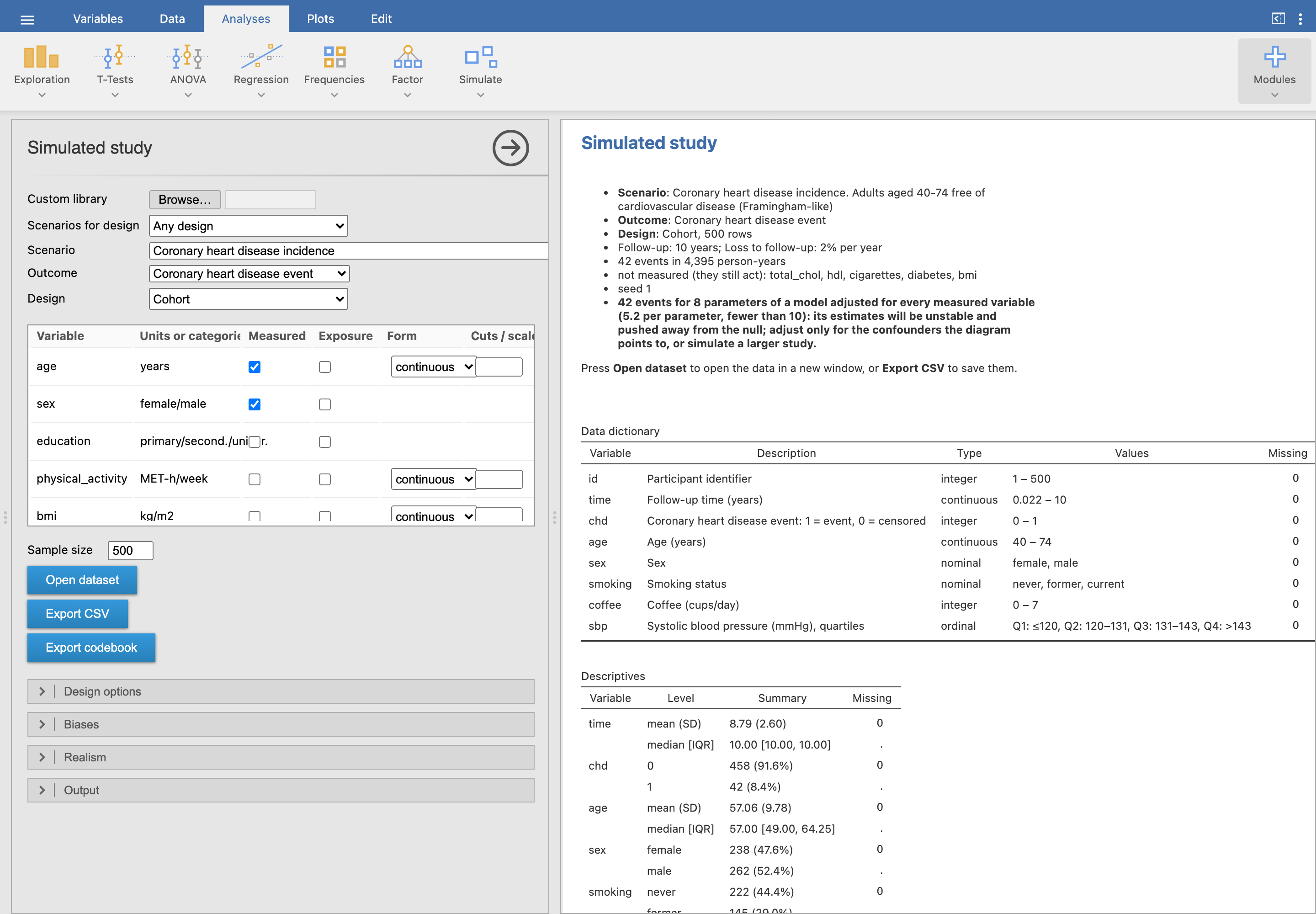
Why simulated studies
Real teaching datasets are few, and they never come with the truth. A simulated study does: confounders, mediators, effect modifiers and null variables are built in, so students can check whether their analysis recovers the effects, see why the crude estimate differs from the adjusted one, and what a design or a missing variable does to the answer. Every student can get a different dataset from the same assignment (a student key), and the teacher can regenerate any of them.
Install
Download the .jmo for your computer from the Releases page (x64 for Intel/AMD, arm64 for Apple silicon) and in jamovi go to Modules (⊕) → Sideload. It needs jamovi 28.4 or newer and no other package. The interface and the built-in scenarios are in English, Spanish and Catalan; jamovi’s language setting chooses.
The scenarios
The module ships with 65 scenarios across 21 clinical domains (dentistry and podiatry among them), most of them replicating a real study from its open data or its published tables, with several scenarios for every design. The scenario catalogue explains how they were made and lets you filter them by domain, design, outcome and teaching topic.